Sensor Data
Sensor data is output at your configured scan interval in the command line prompt window.
$ANB,OA39,2025:04:25:11:25:16,7.59,22.66,36.24,55.23,0,0,0,55,0000220,22.0
Accessing Data
Data is stored by default internally on the pH sensor, as well as on an SD card within the BMS.
To access it through the BMS:
Disconnect power, open and remove the SD card by clicking it inwards and then pulling out card after ejection. Data is stored on the card as a series of numbered .csv
files. The highest number is the most recent deployment.
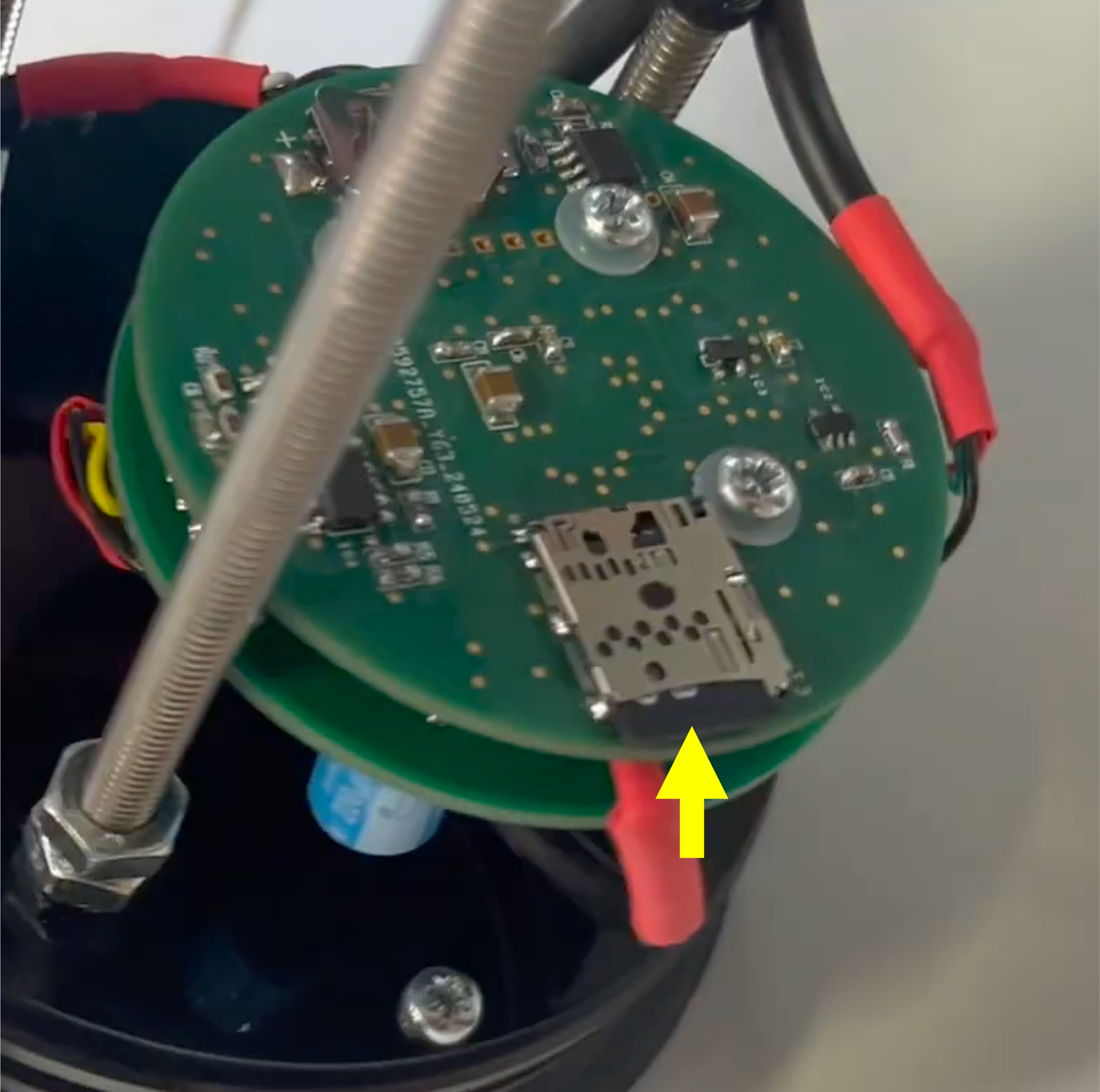
Before replacing your SD card, it is important to reformat the card. This can be done quickly and simply using this SD Memory Card Formatter. (2m48s on video below)
Watch the BMS Video
For a step-by-step video tutorial, please watch:
For long term deployments we recommend using Tef-Gel as an anti-corrosion and anti-seize lubricant on the housings
For further support please contact support@anbsensors.com